
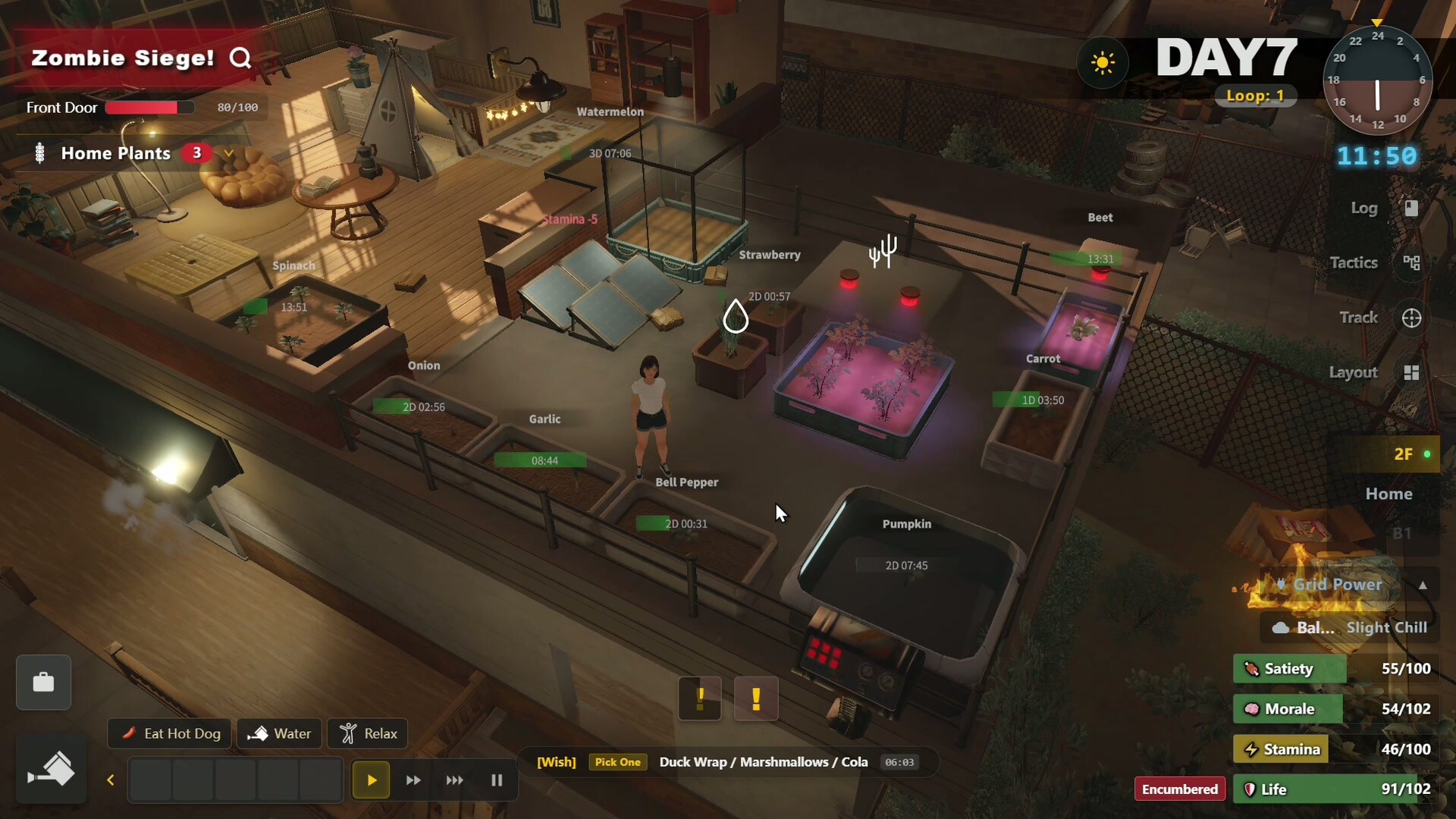
Power the survival loop, not every appliance
Survival Log uses three different tradeoffs. Fuel generation is strong but consumes a finite resource. Manual generation needs no fuel but drains stamina. Solar costs no fuel, yet output falls with clouds and disappears at night. A robust grid combines them instead of depending on one source.
How to manage the grid
1. Read the panel before reacting
The Power Overview Panel shows active appliances, current draw versus generation, battery charge and solar efficiency. Check whether the problem is inadequate generation, an empty battery or one unnecessary device left running.
2. Define load tiers
Essential: refrigeration when it protects valuable food, crisis heating, required task equipment and safe lighting. Useful: production appliances you are actively using. Optional: comfort devices and idle equipment. Turn off optional loads before burning extra fuel.
3. Use each generator for its strength
- Solar: baseline daytime charging, best when the sky is clear.
- Fuel generator: predictable output for deficits and crisis windows.
- Manual generator: emergency bridge when fuel matters more than stamina.
- Batteries: a buffer, not a permanent source.
4. Prepare for weather
Clouds reduce solar efficiency. Cold waves increase heating demand and can stop or damage cold-sensitive crops. Enter a warning period with charged batteries, fuel and fewer optional loads.
5. Configure auto-start carefully
V1.0.14222 added a fuel-generator auto-start switch and charge threshold. Manual shutdown clears the setting. V1.0.14331 fixed status display problems when batteries were missing and several issues after power restoration.